

Description
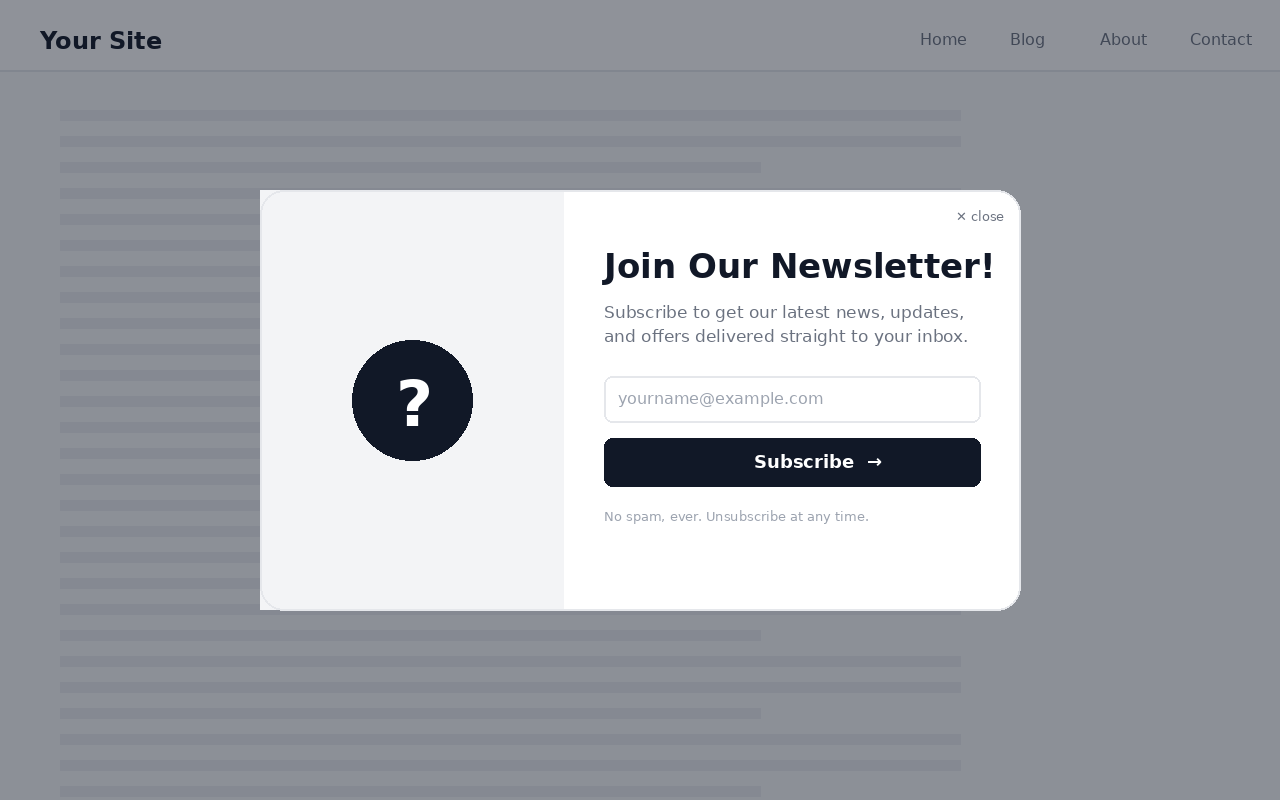
Letterness is a complete, self-hosted newsletter toolkit for WordPress. Collect subscribers with a customizable popup, a sidebar signup card, and a header menu button, then compose and send newsletters to your list directly from your dashboard. No third-party account required.
Everything is controlled from a single settings screen, and the popup can be styled independently for desktop and mobile.
Capture subscribers three ways
- A responsive popup with delay, scroll-depth, or exit-intent triggers.
- A sidebar signup card you can drop into any widget area or place with a shortcode.
- A subscribe button that injects into a theme menu location or appears via shortcode.
Design control
- Separate desktop and mobile colors, image, shape, dimensions, and animations.
- Six popup layouts (split, stacked, minimal, circle, hexagon, octagon).
- Ten entrance animations plus badge and screen-transition effects.
- Live in-dashboard preview at desktop and mobile viewport sizes.
Built-in sending
- Compose newsletters with the standard WordPress editor.
- Save drafts, schedule for later, or send immediately.
- Batched delivery through your site’s normal
wp_mail()pipeline. - Automatic, one-click unsubscribe link on every email.
- Customizable from-name, from-address, and email design.
Subscriber management
- View your subscriber list in the dashboard.
- Export all subscribers to CSV.
- Remove subscribers individually.
Shortcodes
[letterness_subscribe_button]places the subscribe button anywhere.[letterness_card]places the signup card anywhere.
For large lists or better inbox placement, pairing Letterness with an SMTP plugin (such as WP Mail SMTP) is recommended.
Screenshots
Installation
- Upload the
letternessfolder to the/wp-content/plugins/directory, or install the plugin through the Plugins > Add New screen in WordPress. - Activate the plugin through the Plugins screen.
- Open Letterness in the admin menu to configure triggers, design, content, and sending.
- (Optional) Add the signup card under Appearance > Widgets, or place
[letterness_subscribe_button]/[letterness_card]anywhere on your site.
FAQ
-
Do I need a third-party email service?
-
No. Letterness stores subscribers in your own database and sends through WordPress
wp_mail(). For higher deliverability on larger lists, an SMTP plugin is recommended. -
How do visitors unsubscribe?
-
Every email includes a signed, one-click unsubscribe link. The link is verified with a secure token and requires no login.
-
Can I show a different design on mobile?
-
Yes. Colors, image, shape, dimensions, and animations each have an optional mobile override, so desktop and mobile can look completely different.
-
Where is the popup shown?
-
By default the popup can auto-open using a time delay, scroll depth, or exit intent. You can also disable auto-open and only show it when a visitor clicks the subscribe button.
-
Does it work with block themes?
-
Yes. Use the shortcodes to place the button or card in block themes, or drag the widget into a widget area on classic-widget themes.
-
What happens to my data when I uninstall?
-
Deleting the plugin removes its options, both custom database tables (subscribers and newsletters), and any scheduled newsletter events.
Reviews
There are no reviews for this plugin.
Contributors & Developers
“Letterness” is open source software. The following people have contributed to this plugin.
Contributors
Translate “Letterness” into your language.
Interested in development?
Browse the code, check out the SVN repository, or subscribe to the development log by RSS.
Changelog
4.0.1
- Enqueued the preview highlight styles and script instead of printing them inline.
- Housekeeping and code-quality improvements.
4.0.0
- Public release on WordPress.org.
- Independent desktop and mobile design for the popup.
- Built-in newsletter composer with drafts, scheduling, and batched sending.
- Sidebar signup card, header subscribe button, and shortcodes.
- Secure token-based one-click unsubscribe.
- Subscriber CSV export.